
Four steps. One more vote.
Mark it complete after voting on T-Mobile.
Keep the daily votes coming.
Set an alert on your phone through October 25. No sign-up and no phone number collection.
We can't detect your phone's default calendar. Choose the one you use — we'll remember your selection on this device.
Choose your calendar above. Remember to save the event and enable notifications.
Can't vote right now?
These add an extra one-time reminder to the calendar you selected. They do not postpone existing daily alerts or family texts.
Help: adding calendar alerts on iPhone or Android
Apple Calendar: Tap Add Daily Reminder, open the downloaded .ics file (in Safari Downloads or Files), choose the calendar, and tap Add. Check that the event has an alert. If the file won't import from your browser, open it as an email attachment in Apple Mail or import on a Mac.
Google Calendar: Tap Add Daily Reminder, sign in if needed, check the Daily repeat and end date, choose a notification at event time, then tap Save. Install the Google Calendar app and enable notifications for phone alerts.
Important: Downloading or opening an event does not activate alerts until you save it into your calendar. Check the event in your calendar afterward, and avoid adding it twice.
Alternative: Apple Reminders app
- Open Reminders on your iPhone and tap New Reminder.
- Title: Vote for El Diamante — Go Miners!
- Paste the voting page link into Notes and choose a time.
- Set Repeat → Daily and an end date of October 25.
- Use any available reminder-notification options on your phone to remind yourself later.
Share it. Rally Miner Nation.
Invite friends and family to cast their own daily vote. Use the share menu or choose a platform below.
🏈⛏️ GO MINERS! Help El Diamante High School rally for a home-field future. Vote daily in T-Mobile Friday Night 5G Lights! Choose West → El Diamante, then share. #FN5GL #Entry @all4theminers @TMobile
Instagram Story sharing kit
Share a ready-made Miners Story, then add an Instagram Link sticker so friends can tap to vote. Instagram requires you to publish the Story yourself.
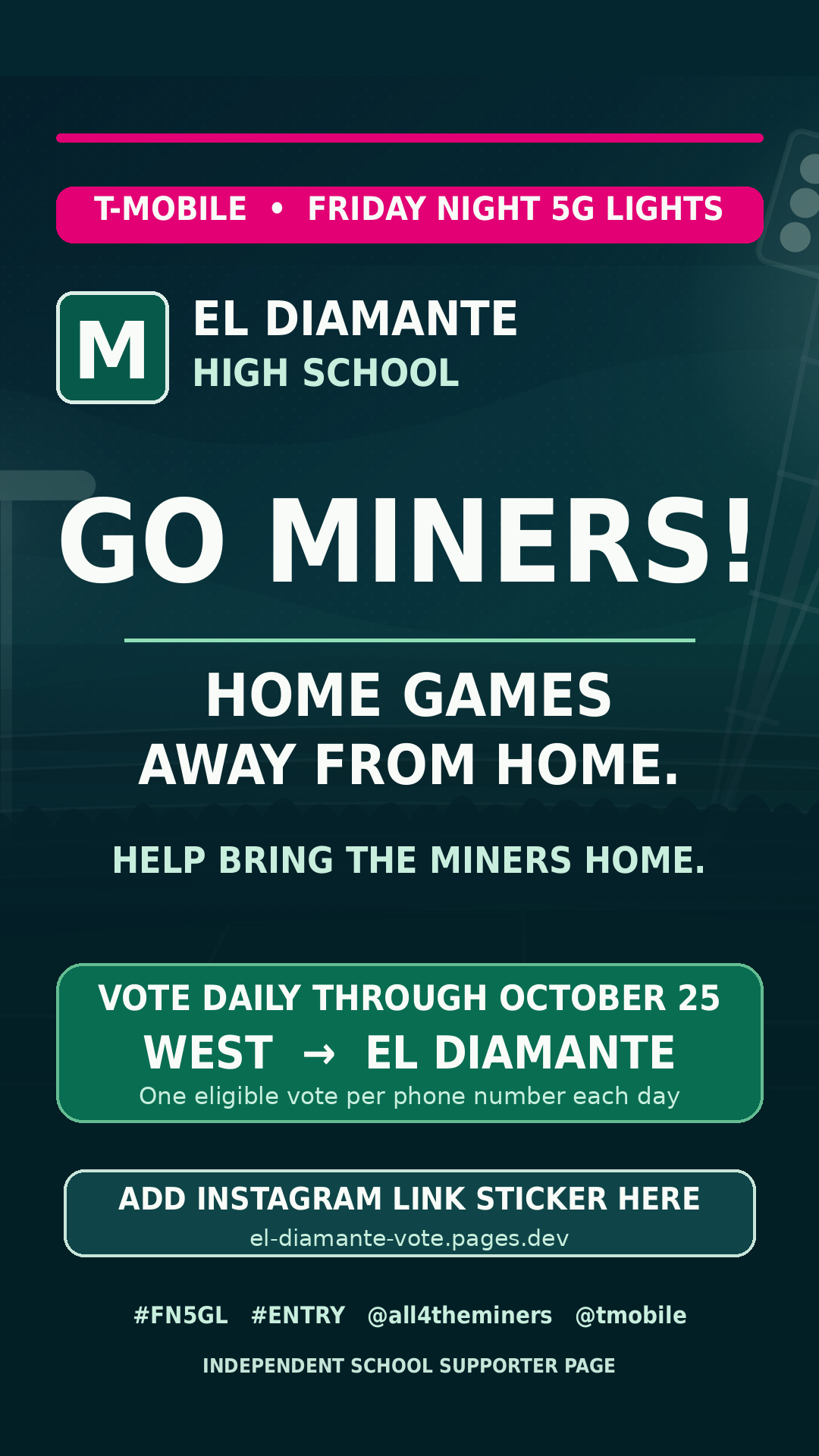
- Save the image to Photos (or use your phone's Share menu).
- Open Instagram, create a Story, and select the image.
- Tap Stickers → Link, paste the voting link, then publish.
The image itself isn't clickable. Only an Instagram Link sticker makes your Story tappable.
One setup. Daily family nudges.
Use free Apple Shortcuts on your own iPhone to send a daily voting reminder to family members.
Show me the iPhone setup
- Open Shortcuts → Automation → + → Time of Day.
- Choose a time and select Daily and Run Immediately.
- Add Send Message and paste the family text you copied here.
- Select your recipients; turn off any confirmation, if available.
- Test once. Sending to multiple people may start a new thread instead of targeting an existing group chat.
- Turn the automation off after October 25. (You can also add a date condition.)